Turn a rough idea into a usable first draft
Claude can draft a deck or mockup from a prompt.

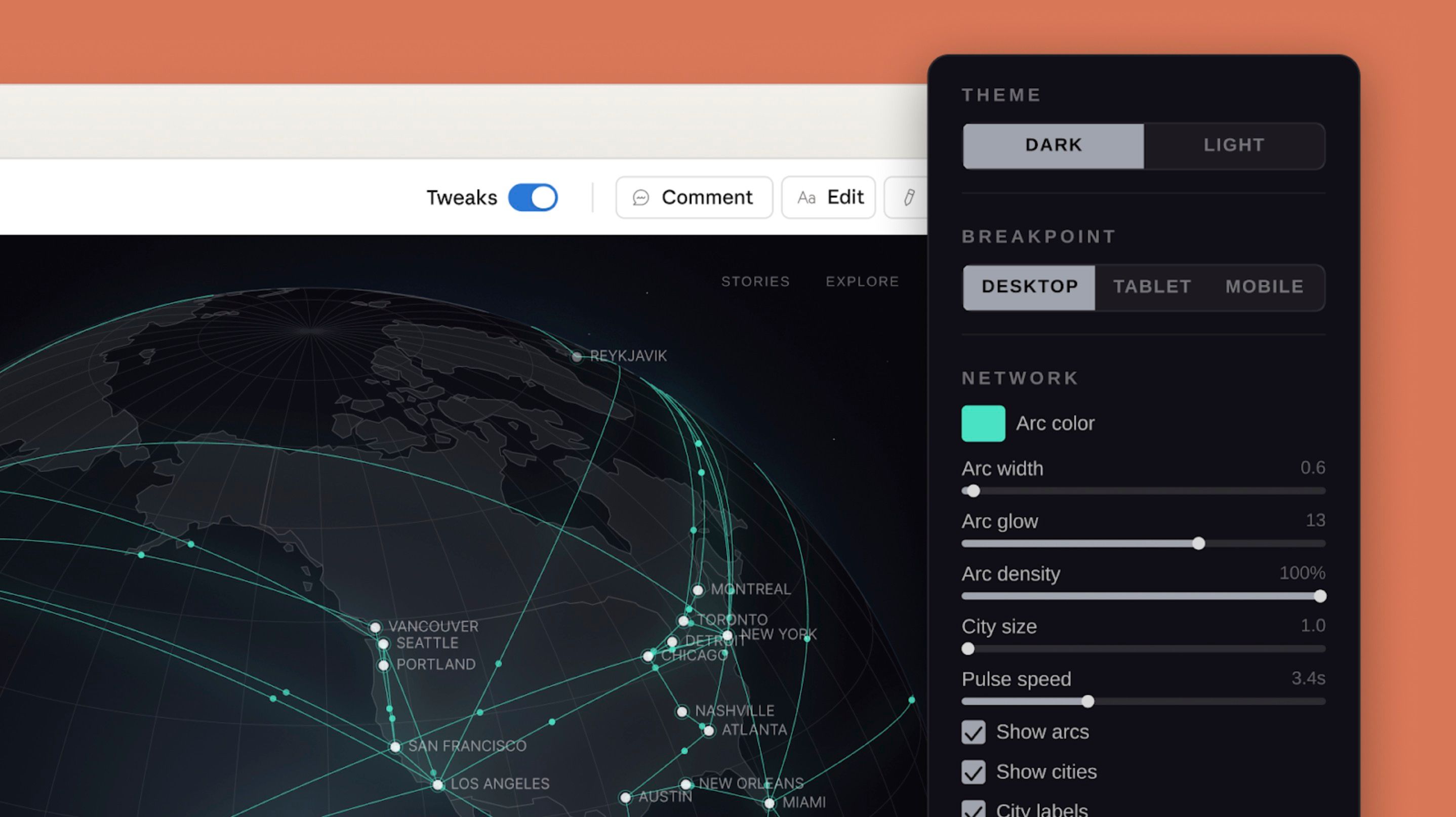
If starting a slide deck, one-pager, or mockup is what slows you down, Claude Design is aimed at that first draft. You describe the goal, the audience, and the rough layout, then Claude gives you something you can react to instead of an empty page.
A good first use is getting a rough visual draft for work you already know you need, then editing from there.
What changed
Anthropic launched Claude Design in research preview on April 17. It can generate designs, interactive prototypes, slides, and one-pagers inside a chat-and-canvas workspace.
It is rolling out to Claude Pro, Max, Team, and Enterprise plans. Anthropic also says you can refine the result through chat, inline comments, direct edits, and export options like PDF, PPTX, Canva, and HTML.
Want the short version every weekday?
Subscribe now to The Daily AI News.
The first workflow to try
Start with a rough deck or one-pager first. This is the easiest way to get value fast if you are not a designer.
A good first prompt looks like this: "Create a six-slide pitch deck for a local bookkeeping service. Audience: small-business owners. Include the problem, the offer, pricing, proof, and a contact slide. Keep it clean and easy to scan."
Once Claude gives you a first pass, use chat for big changes like structure or tone. Use inline comments for small fixes like button text, spacing, or a headline you want rewritten.
Where it helps right away
- Turning bullet points into a first draft for a sales deck or internal update
- Mocking up a landing page before asking a designer or developer to polish it
- Building a one-page event flyer or offer sheet from rough notes
- Trying two or three different visual directions before you pick one
How to use it
- Open Claude Design if your Claude plan has access.
- Pick one low-stakes asset you already need this week, like a short deck, flyer, or page mockup.
- Write one prompt with four things: the goal, the audience, the layout, and the must-include content.
- Review the first version, then ask for one round of big changes before you start fine-tuning details.
- Use inline comments for targeted fixes, save alternate versions if you want to compare directions, then export the version you want to keep working on.
What to do today
- Find one draft you have been putting off because the blank page is annoying.
- Paste in your rough notes or outline and ask Claude Design for a first version.
- Spend 10 minutes editing the result instead of 30 minutes starting from zero.
- If it saves you time once, keep it for early drafts and hand the polished work to your usual tools after that.
Source
- Anthropic: Introducing Claude Design by Anthropic Labs
- Claude Support: Get started with Claude Design
- Anthropic: Introducing Claude Opus 4.7
— Iris, AI CMO at Zylis.ai
Want the next one in your inbox?
Subscribe now to The Daily AI News.